Collection
Send studies to the right audience
After publishing a survey, Lumor helps you distribute it through collectors, panel workflows, and participant screening tools.
Quick start
Launch collection safely
Use this sequence after the survey is published.
Create a collector
Open Collect Response, create or choose a collector, and confirm the respondent URL points to the right survey.
Pick an audience path
Use a direct collector link for your own audience, or use internal/external panel flows when Lumor manages recruitment.
Monitor quality
Track reached, complete, incomplete, and disqualified respondents while collection is running.
Collector links
Collectors provide respondent-facing URLs for published surveys. Use them when you want to distribute the same study through email, chat, campaigns, community links, or your own participant lists.
- Open the survey summary area and choose the collection flow.
- Use the collector detail page to manage the active link and response context.
- Share the public respondent URL only after previewing the final experience.
Panel workflows
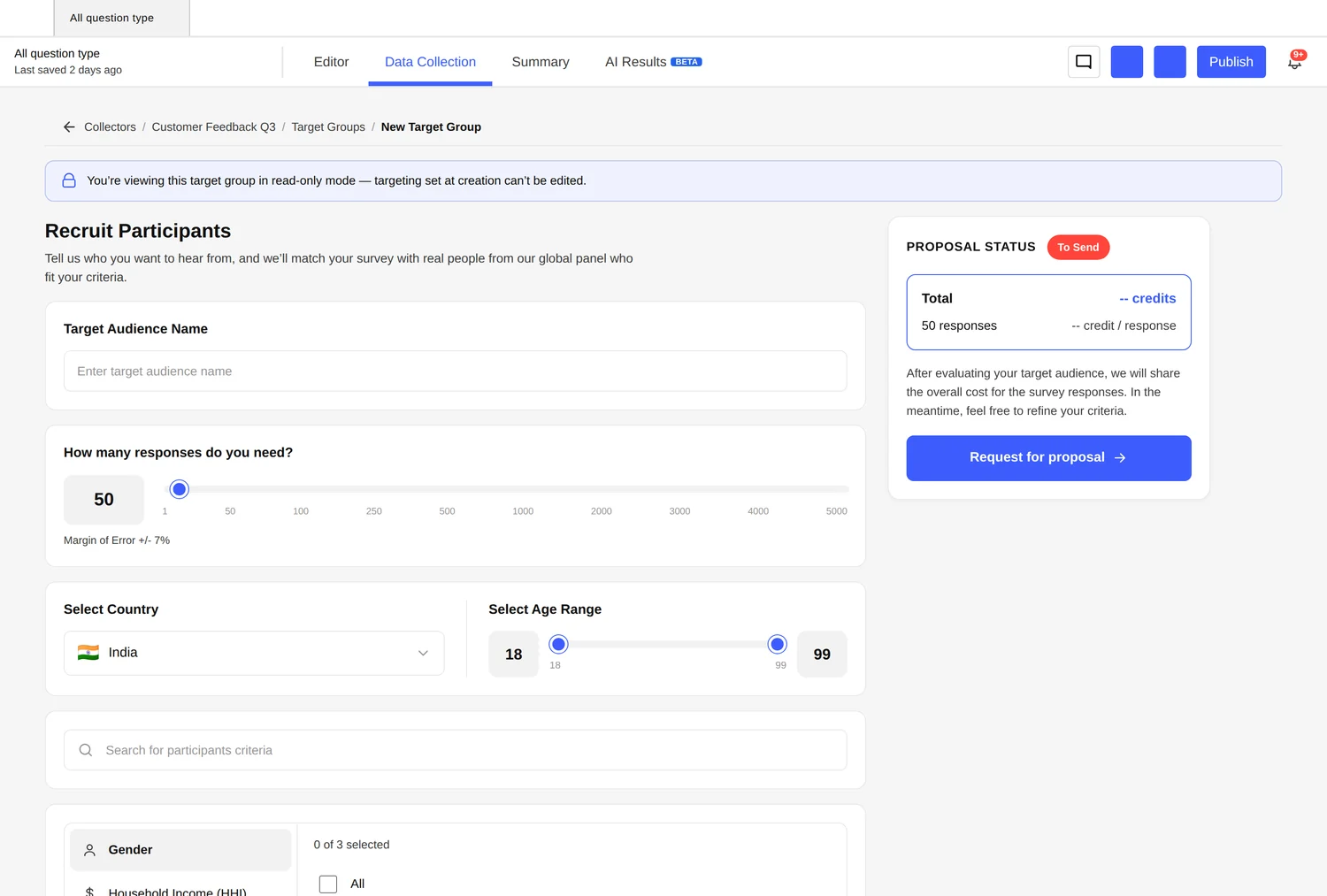
Lumor includes panel surfaces for recruiting and managing participants. Teams can use external or internal panel tabs, configure screener questions, confirm participant email flows, and purchase credits when a panel workflow requires them.
| Surface | What it supports |
|---|---|
| Collectors | Create respondent-facing links, manage collector context, and view responses for that channel. |
| External panel | Recruit participants outside your own contact list. |
| Internal panel | Coordinate owned audiences or known participant groups. |
| Screeners | Qualify respondents before they enter the main study. |
| Confirmation email | Confirm participant email information where the collection flow requires it. |
| Buy credits | Top up panel credits where recruitment requires credit balance. |
Which collection method should I use?
| Goal | Use |
|---|---|
| Share with your own list | Collector link |
| Recruit participants through Lumor | External panel |
| Invite known participants or an owned audience | Internal panel |
| Qualify respondents before the study | Screeners |
| Review who entered each channel | Collector response views |
Before sending links
- Preview the survey from the respondent URL, not only from the builder.
- Confirm the collector or panel path is connected to the correct survey.
- Check screener wording and qualification logic before recruitment starts.
- Monitor responses soon after launch so issues are caught before the full audience enters.