
Survey builder
Create surveys, configure sections and settings, style respondent screens, preview the flow, and publish.
✎
Guide-page template. Layout, sidebar, breadcrumbs, on-page contents, cross-links and the feedback block are production-ready. The body copy below is representative — replace it with the real content and screenshots from the dev team.
Creating a survey
Start from scratch or let Lumor’s AI draft the questionnaire from a short brief, then refine it. Configure sections, question types, logic and settings, and style the respondent screens to match your brand.
- AI-drafted questionnaires you can edit
- Every question type, with branching and logic
- Styled respondent screens
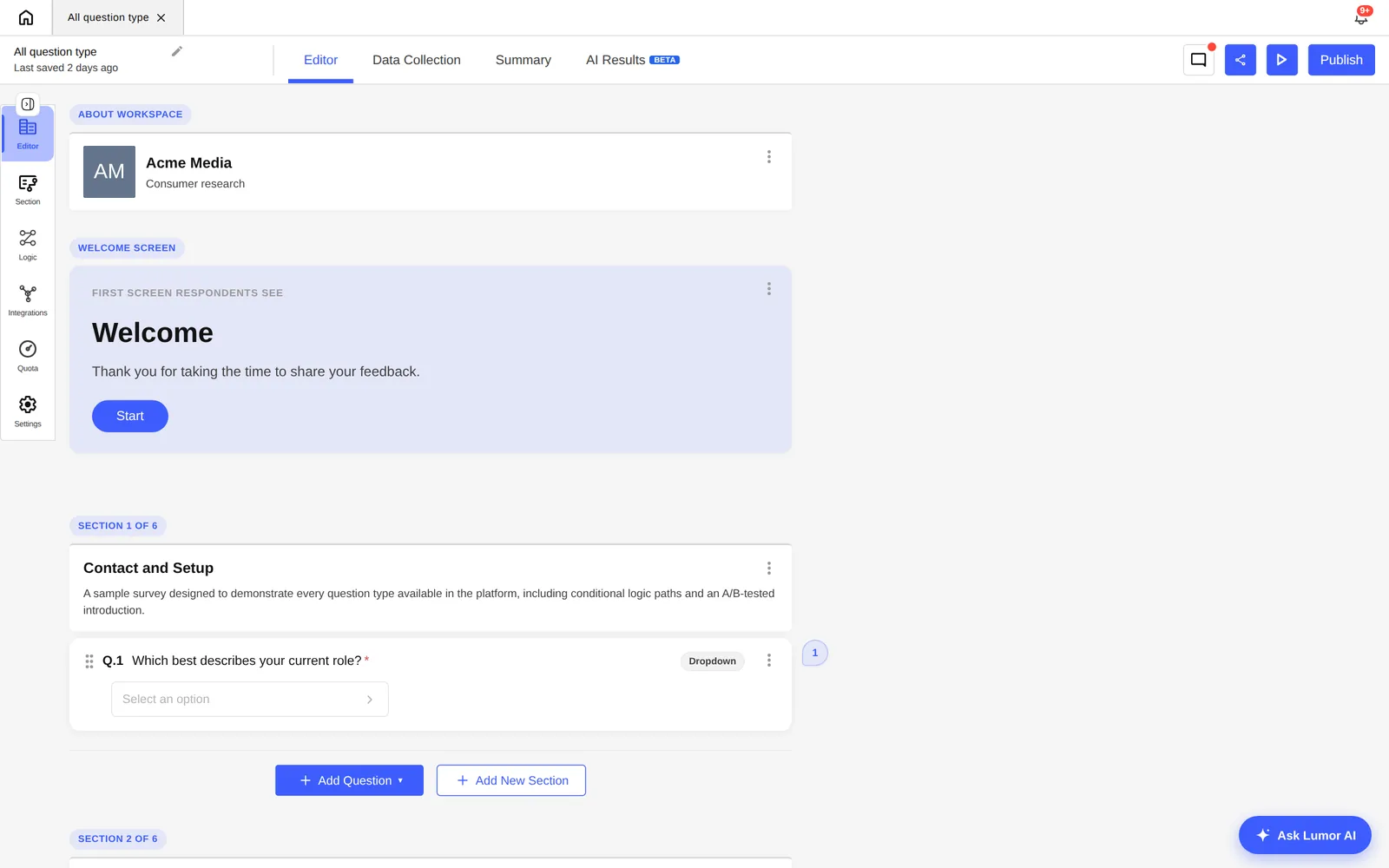
Preview and publish
Preview the full respondent flow before you go live, then publish to generate a shareable survey link. From here you move on to collection and recruiting a panel.
Was this guide helpful?